
Vetmetal sells dental materials and equipment to dental practices and dental technicians.
The site was a catalog. People browsed the products, and orders came in by phone or email. Then the catalog stopped working too.
A 6.34 GB log
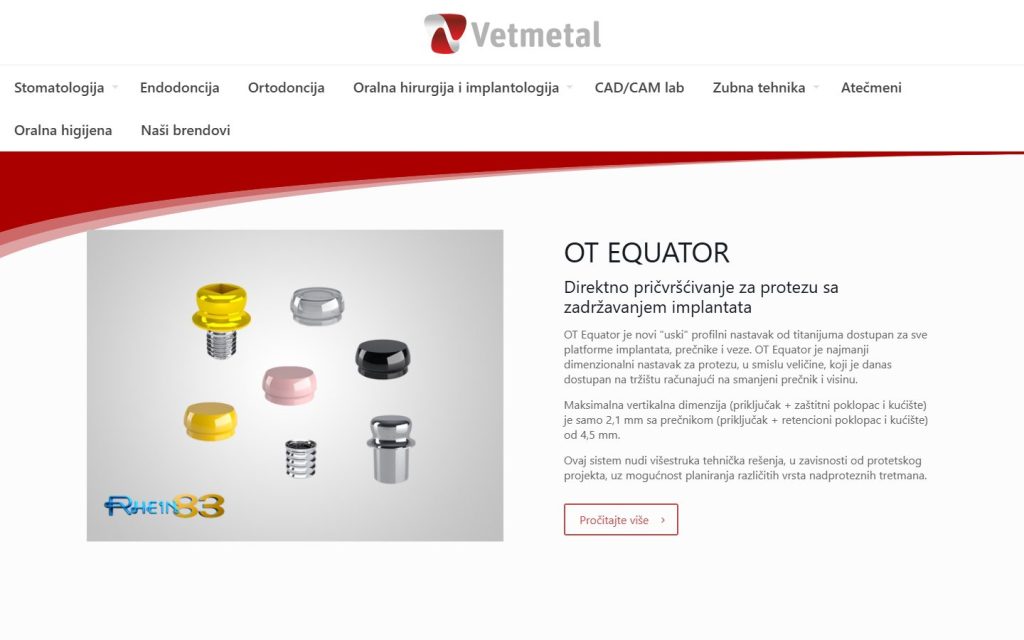
When we opened the hosting account, the first thing we found was a 6.34 GB error log. It had filled the disk space and taken the site down.
Where did so many errors come from? Someone had typed “smart” quotes into the theme code, the kind Word inserts on its own. While the server ran an old version of PHP, this got through. When the hosting moved to PHP 8.4, every product page broke, about 1,500 times a day.
On top of that: 20 plugins, two different page builders (Elementor and WPBakery) and Revolution Slider, and the site was running on the wrong theme.
On the first day, 15 October, we:
- deleted the log, and the sites started responding again;
- fixed the theme code and switched the theme back on;
- turned on page caching, so the server does not build the same page again for every visitor;
- deleted a publicly accessible tool from 2011, with known vulnerabilities, from the hosting root folder.
On the second day we rebuilt the site on Bricks, with the same look, and moved it over clean. Of the 20 plugins, WooCommerce remained (plus caching). We checked 350 URLs: they all work, with no PHP errors.

Then a real store
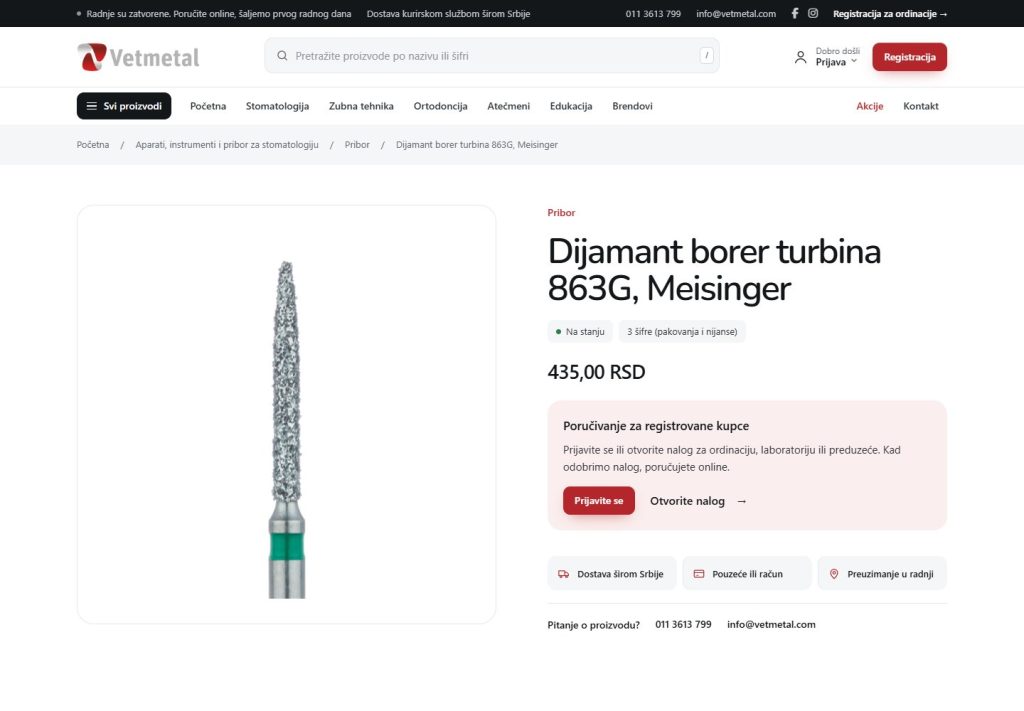
Vetmetal’s customers are not people off the street. They are dental practices and labs, with their own accounts and their own payment terms. So the site works as a wholesale store:
- anyone can see prices and stock, so a practice can compare before it registers;
- only registered customers can order: registration asks for the company name, line of business, tax ID (PIB) and address, and the account waits for approval;
- once Vetmetal approves the account, the customer gets an email and can order right away.
Prices and stock come from the business software
Vetmetal keeps its products, prices and customers in Business Central. A site that knows nothing about it would have to be updated by hand, every day, for more than 3,000 product codes.
So the site talks to BC on its own:
- every 30 minutes it pulls the products that changed, and once a night it pulls everything: price, stock and promotions;
- a blocked product disappears from the site on its own;
- a new product arrives as a draft, and Vetmetal adds a photo and description and publishes it;
- an order from the site goes into BC as a sales order, with a check against duplicates; if BC does not respond, the order waits and is sent again;
- the site matches each customer to the customer in BC by tax ID, so it knows their payment terms, credit limit and balance.
We never change or delete anything that already exists in BC.
30 minhow often the site pulls changed items from Business Central. Once a night it pulls everything.
Card payments
Along with cash on delivery and bank transfer, customers can pay by card, through Halkbank. The card is entered on the bank’s page, so the site never sees the card number.
Ordering the way dentists do it
A technician knows the material code by heart. They do not need a catalog, they need a field for the code.
- quick ordering by product code;
- “Order again” for a past order;
- store filters and products with options (size, shade) instead of ten similar pages;
- shipping by package weight, based on the Post Express price list, and free shipping over 6,000 dinars;
- an Education page with courses.
The store has 1,612 products. For about 880 of them we added photos from the manufacturers’ official websites.

Before and after
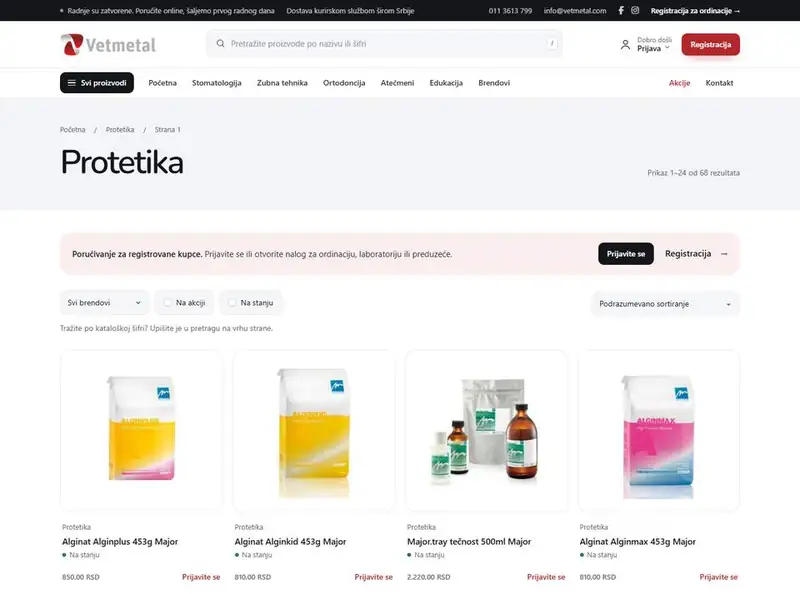
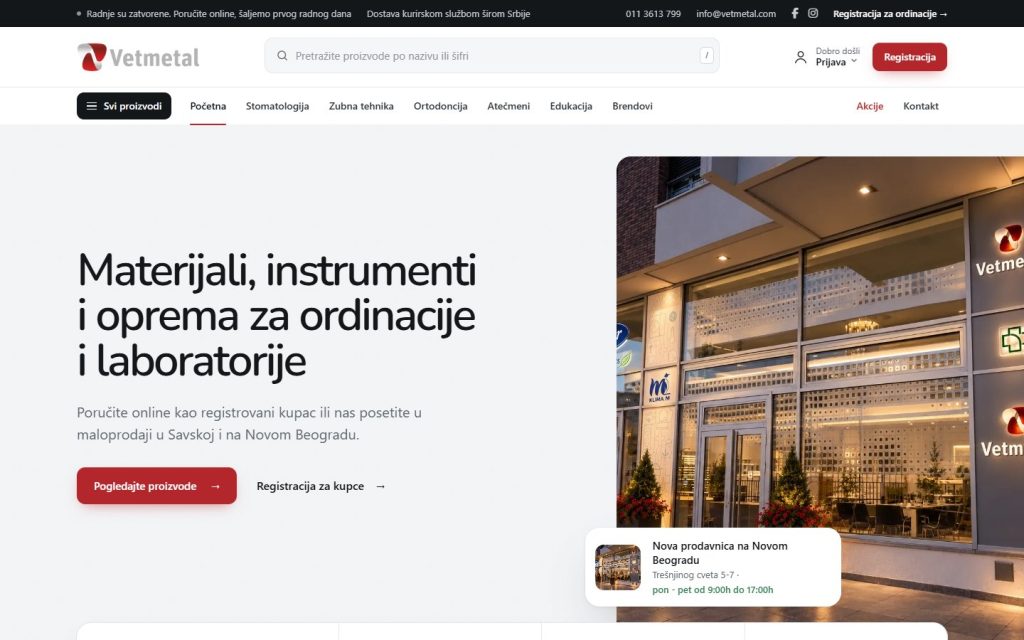
- Site: before, a 503 error and a 6.34 GB log; now running without crashes since 16 October.
- Plugins: 20, now WooCommerce and caching.
- Sales: before, a catalog and the phone; now public prices and ordering on the site for approved customers, with card payment.
- Prices and stock: before, by hand; now automatically from Business Central, and orders go back into BC.
- The new site went live on 23 October 2026.
Check your own site in two minutes
In cPanel, open File Manager and check how big the error_log file in your site’s folder is. If it is measured in hundreds of megabytes, your site is breaking somewhere, every day, and you do not see it. (Here it was 6.34 GB.)
If you want someone to look at the rest, send us your URL for a written site check.
6.34 GBwas the size of the error_log file when we started.